
Faster & More Reliable
But we know the internet is fragile. With our powerful web performance monitoring tools, we pride ourselves in helping make the internet a better place. For everyone.
We love the internet
Pingdom is a global performance and availability monitoring solution for your websites, applications and servers. With our comprehensive monitoring platform, we help you deliver the best possible web experience to your customers.
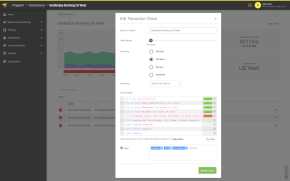
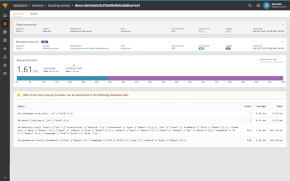
We might have made our name by ensuring your website is always available but Pingdom isn’t just uptime monitoring: you can also monitor the the load performance of your page, make sure your most important site interactions function smoothly and see how your actual visitors experience your site, all from a single, powerful platform.
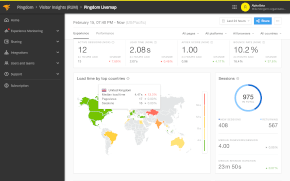
Real User Monitoring
Gain valuable insight into the performance of your website from visitors to deliver a better experience


2007
Founded
Since 2007, we have earned the trust of more than 850,000 users and companies including Spotify, Pinterest, Facebook, Twitter, Zendesk, and MailChimp, who all use Pingdom to check the uptime and availability of their websites, applications and servers.
We’ve grown our network of probe servers to include over 100+ locations across Europe, the Americas and Asia Pacific regions, meaning you can test from every corner of the globe. We’ve also expanded our portfolio of products to create a comprehensive website performance monitoring platform.

2014
Became part of the SolarWinds Cloud family
Our vision has always been on the bigger picture, so in 2014 we became a part of the SolarWinds Cloud and continue to develop our products for monitoring web performance to make the internet faster and more reliable for everyone.
22+ billion
Tests performed monthly
11+ million
Outages detected monthly
12+ million
Incident alerts sent per month
6+ billion
RUM requests per month
Try it free for 30 days
Start monitoring your website's availability
START 30-DAY FREE TRIALGet started now and you can cancel any time.
See how Pingdom can work for your site:
Uptime monitoring
Test your site’s availability from all over the world.
Alerting
Effective alerting for when you need to be the first to know.
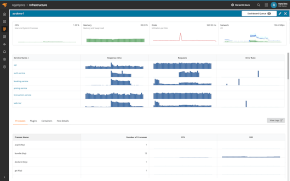
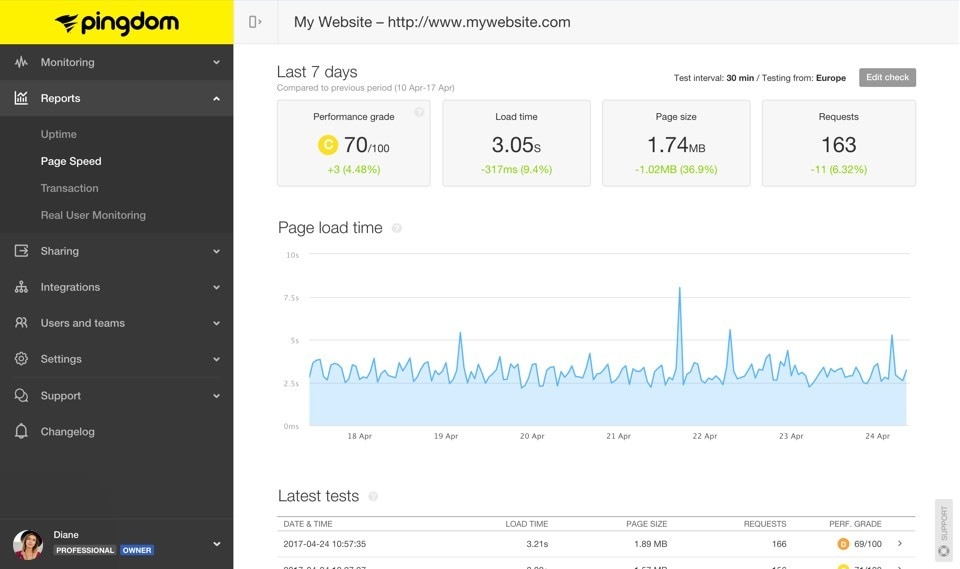
Page speed monitoring
Examine and optimize the load performance of your website.
Visitor Insights (RUM)
Enhance your site performance with data from actual site visitors.